
Real-time chat, starting with one line of code
Start community conversations right where visitors are.
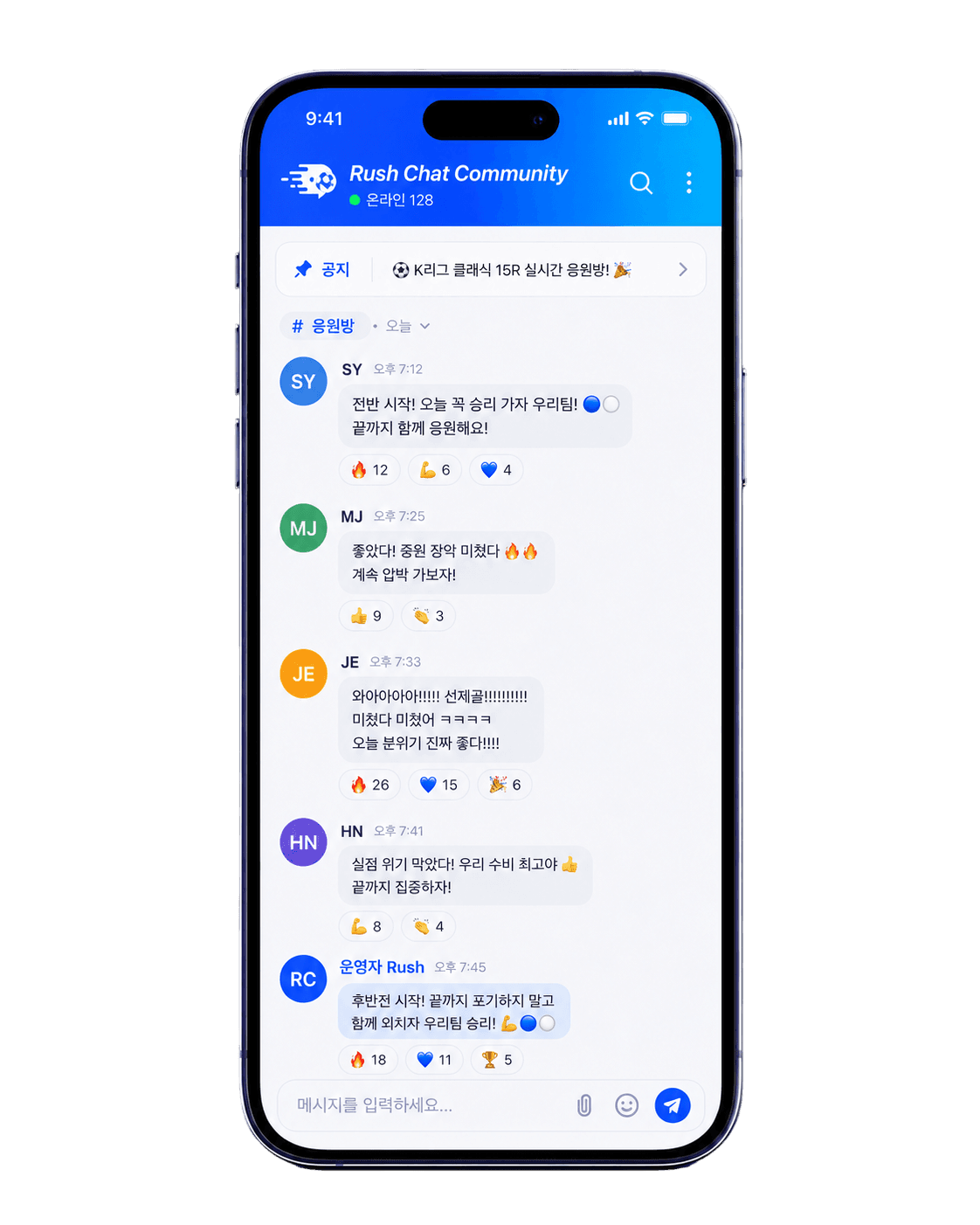
Join the conversation on this page
Choose a nickname and join a real RushChat room right away.
Messages you post here appear to other visitors in real time.
Loading the chat.
Everything you need to run your community
Move smoothly from setup to room operations and visual customization with RushChat.
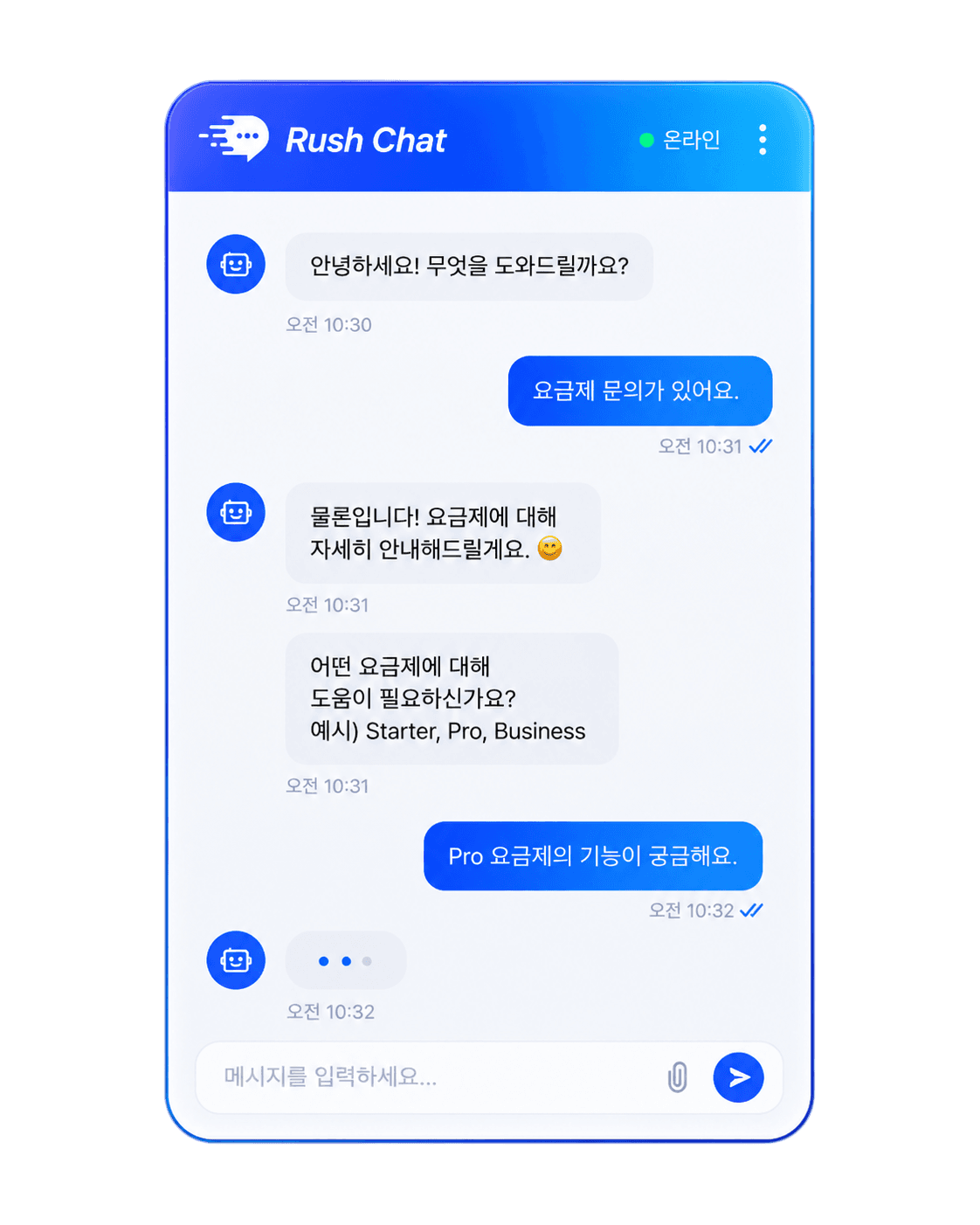
Chat embed
Bring chat into the page without interrupting the flow of your website.
Chat embed
Open and organize rooms around content and community topics.
Room management
Open and organize rooms around content and community topics.
Permissions
Open and organize rooms around content and community topics.
Themes
Open and organize rooms around content and community topics.
Room management
Open and organize rooms around content and community topics.
Permissions
Set participation boundaries and roles that fit your community.
Themes
Shape a chat experience that feels at home with your brand.
A community that stays in context
Keep participation connected to the content visitors are already viewing.
Conversation in context
Let people discuss an article, product, or event without leaving the page.
Lightweight setup
Follow the install guide to connect chat to your existing website.
Operational control
Tune rooms, permissions, and themes to the way your community works.
See conversations unfold
See how members can join and continue a conversation around the page they are viewing.
This activity is a screen example of how RushChat can be used.
A member joined the conversation from a new article.
An operator opened a room for the current topic.
A participant shared a thought without leaving the page.
Where RushChat fits
Add conversation wherever people are looking at the same page.



Illustrative RushChat usage scenarios
These are illustrative examples for community scenarios, not verified customer testimonials.
An embedded chat could keep content and conversation together on one screen.
Questions could remain connected to the product a visitor is currently viewing.
Rooms could be organized around event topics to keep participation in one place.
Participation permissions could be adjusted to match different community roles.
Readers could have a place to share thoughts without leaving the current page.
Separating rooms by resource could keep conversations aligned with each learning topic.
Theme controls could align the chat surface with the visual style of the site.
Feedback conversations could stay connected to the feature a visitor is exploring.
Get started with RushChat
Keep the conversation on the page
Follow the install guide to bring community chat into your website.
View install guide